Drupal Workspaces: ship a whole set of changes at once, with real use cases
· 7 min read

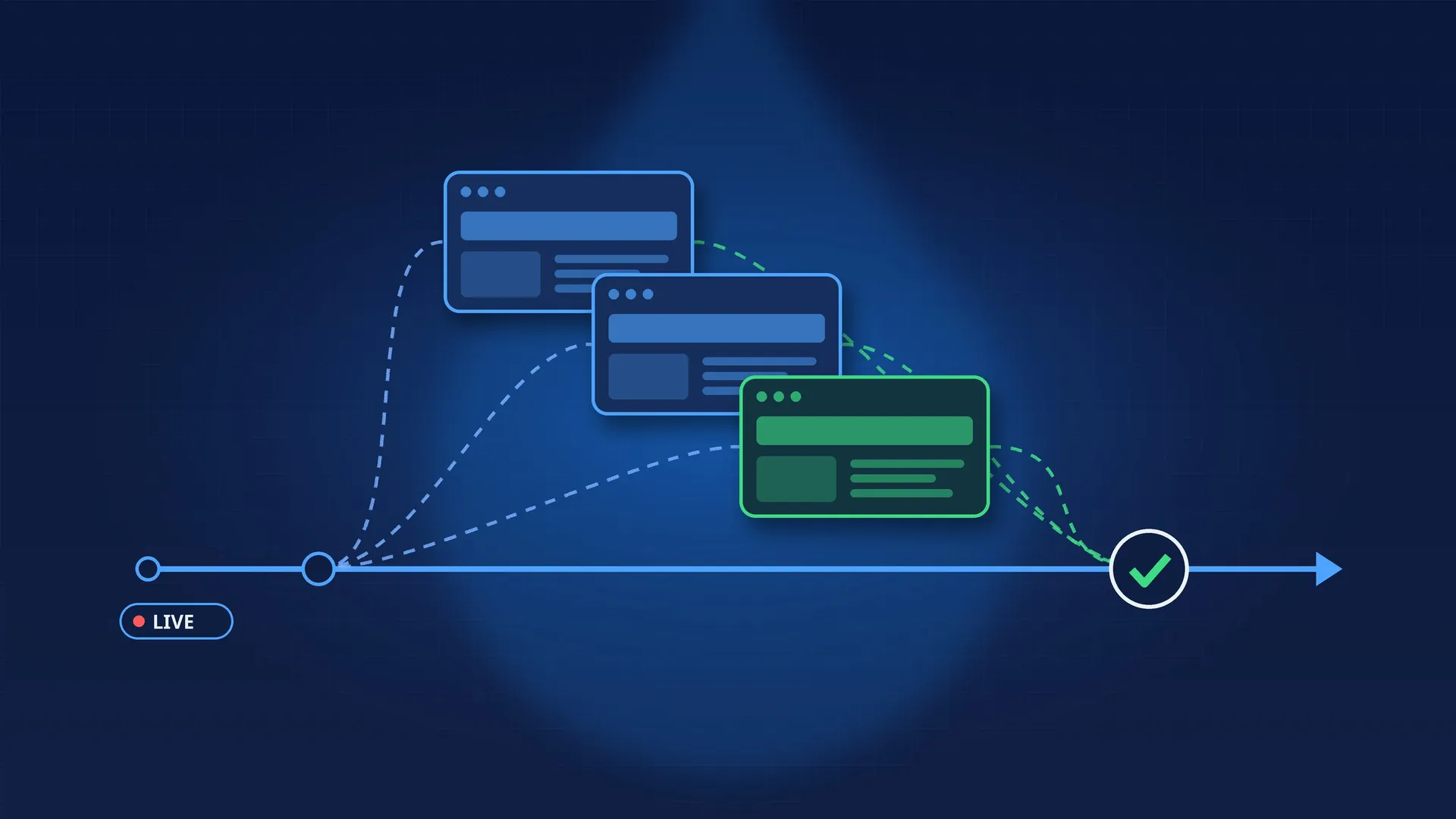
On most Drupal sites, the editorial workflow stops at the level of a single piece of content: a draft, a review, a publish. Content Moderation does that very well.
The trouble starts when a change doesn’t fit in one piece of content. A campaign is a landing page, three articles, a block on the homepage, a menu entry, a dozen media items and some URL aliases. All of it has to go live at the same time, and it has to be reviewed as a whole before it does.
That is exactly what the Workspaces module is for.
A workspace is a parallel copy of the live site. Inside a workspace you edit content, menus, blocks and media, and you browse the site as it will look once those changes are published. Visitors keep seeing the live site.
When everything is approved, you publish the workspace: all of its changes go live in a single operation.
A few reference points:
workspaces_ui). The workspaces module holds the logic; you can use it on its own, as an API, without exposing any UI.The whole mechanism is built on revisions:
workspace_association table).The direct consequence: only revisionable and publishable entity types are supported (nodes, content blocks, media, taxonomy terms, menu links, path aliases…). That constraint shapes everything else in this article.
They don’t compete; they work at different scales.
| Content Moderation | Workspaces | |
|---|---|---|
| Unit of work | One piece of content | A set of changes |
| Preview | That content alone | The whole site, menus and listings included |
| Publishing | One piece of content at a time | The whole workspace at once |
| Entities involved | Those with a workflow | All revisionable and publishable entities |
| Configuration | No | No (in core) |
Simple rule: if the change fits in one piece of content, Content Moderation is enough. As soon as it involves several pieces of content that only make sense together, use Workspaces.
The textbook case. A launch means:
Without Workspaces, teams publish everything by hand on launch day, hoping nothing gets missed, with an inconsistent site for the twenty minutes the operation takes. With Workspaces, everything is prepared in an autumn-launch workspace, reviewed by browsing the real site, then published in one click.
To publish at a precise time, the Workspaces Scheduler submodule (wse_scheduler) of the contrib project Workspaces Extra schedules a workspace’s publication.
Reorganizing a section of the site touches content, menu hierarchy and URLs all at once. Those are precisely the changes you can’t review one node at a time: a half-restructured menu is a broken menu.
In a workspace, you move pages, rename entries, adjust aliases, and check the real navigation before publishing. Menu links (menu_link_content) and aliases (path_alias) are supported by core; to stage the menu hierarchy itself, WSE provides the Workspaces Menu submodule (wse_menu).
Financial results, a merger announcement, an executive appointment: content that has to be ready and reviewed by management and legal, but must not leak before the announcement.
In a workspace, nothing exists on the live site. The content doesn’t show up in listings, the RSS feed, the sitemap, or a search index fed from live. The module’s permissions (“view any workspace”, “edit own workspace”…) control who can enter it, and Workspaces Group Access (wse_group_access) restricts a workspace to a group of users.
A client, a lawyer, a head of communications: these reviewers don’t have editor accounts and shouldn’t. They need to see the final site, not an isolated node preview.
The Workspace Preview project (formerly a WSE submodule) covers this: a workspace preview link you can share with people who don’t manage content.
Election night, a sports final, the outcome of a tender: you know one of the scenarios will happen, not which one. You prepare one workspace per scenario (homepage, lead article, banner, menu) and publish the one that matches reality. The others are simply deleted.
This is where Workspaces buys the minutes that matter: the team isn’t writing under pressure any more, it’s choosing.
Workspaces are hierarchical. A parent workspace redesign-2027 can have children redesign-2027-products and redesign-2027-editorial. Each team works in its own, then merges into the parent. Only the parent gets published to live.
This is useful when several teams prepare the same deadline without wanting to step on each other during the writing phase.
An import (catalogue, directory, partner content) that has to be checked before it becomes visible. Rather than importing unpublished and then publishing everything with a script, import into a workspace:
use Drupal\workspaces\Entity\Workspace;

/** @var \Drupal\workspaces\WorkspaceManagerInterface $workspace_manager */
$workspace_manager = \Drupal::service('workspaces.manager');

$workspace_manager->executeInWorkspace('catalogue_import_2026', function () use ($rows) {
  foreach ($rows as $row) {
    // Entities created or updated here are saved
    // in the workspace, not on live.
    $product = \Drupal::entityTypeManager()
      ->getStorage('node')
      ->create([
        'type' => 'product',
        'title' => $row['title'],
        // ...
      ]);
    $product->save();
  }
});
The business team browses the workspace, checks, then publishes. If the import is wrong, you delete the workspace and live was never touched.
Publishing is done from the UI, or in code:
Workspace::load('catalogue_import_2026')->publish();Keep this to reasonable volumes: every entity becomes a revision tracked by the workspace, and publishing processes all of them in one go. At tens of thousands of entities, measure before making it standard practice.
Configuration is not versioned per workspace. A new content type, a field, a view, a block setting stay global. Inside a workspace, configuration forms that aren’t compatible are blocked. The contrib project Workspace Config (formerly wse_config) exists for this need, but for most sites the right answer is still a regular configuration deployment (drush cex / drush cim) before preparing content in a workspace.
An entity changed in a workspace is locked everywhere else. Until the workspace is published, the same entity can’t be edited on live or in another workspace. This is deliberate (it spares Drupal from having to merge conflicts), but teams need to know it: a forgotten workspace can block edits to a key page for weeks.
Unsupported entity types are blocked. Users, comments, non-revisionable custom entities: their forms can’t be used inside a workspace. For a custom entity type, you have two options:
use Drupal\workspaces\Entity\Handler\IgnoredWorkspaceHandler;

/**
 * Implements hook_entity_type_build().
 */
function mymodule_entity_type_build(array &$entity_types) {
  $entity_types['mymodule_log']->setHandlerClass('workspace', IgnoredWorkspaceHandler::class);
}
Direct SQL queries bypass Workspaces. Isolation goes through the Entity API, entity queries and Views. A \Drupal::database()->select('node_field_data') in a custom module reads live, even from inside a workspace. It’s the first thing to audit in existing code.
Execution context matters. Cron, queue workers and Drush commands don’t run in the user’s workspace. A process that has to write to a workspace must activate it explicitly, with executeInWorkspace() as in the import example.
Data outside entities doesn’t follow. State API, key/value, custom tables: none of it is isolated per workspace.
Core covers the mechanism. The Workspaces Extra project (3.0.x branch for Drupal 11.3+ and 12, still in alpha) covers much of the tooling you need in production:
Rollback alone often justifies adding the module: being able to undo an entire campaign published by mistake is a real safety net for editorial teams.
Workspaces isn’t a module you enable “just in case”. But on a site where every major release feels like a commando operation, it’s probably the most underused feature in core.